
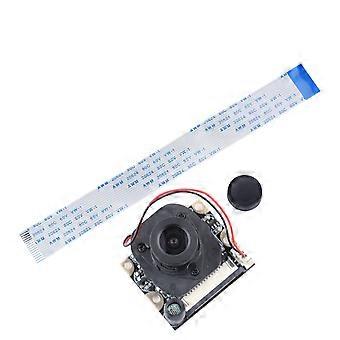
IR cut Focusable Camera Module 5MP Webcam Video 1080p OV5642 Sensor for Raspberry Pi/Pi 2/Pi 3
KOSTENLOSER Versand
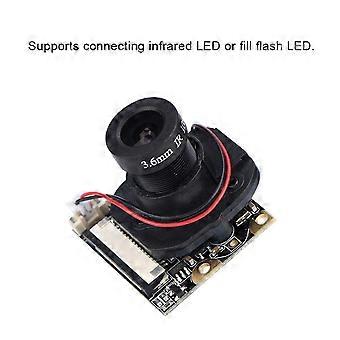
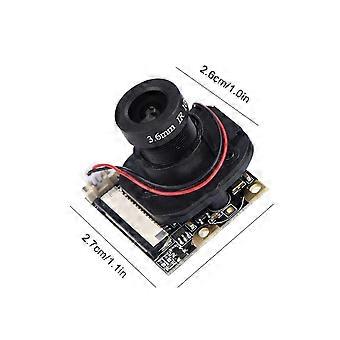
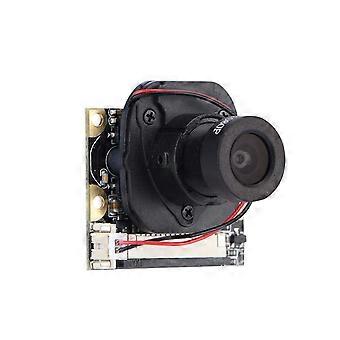
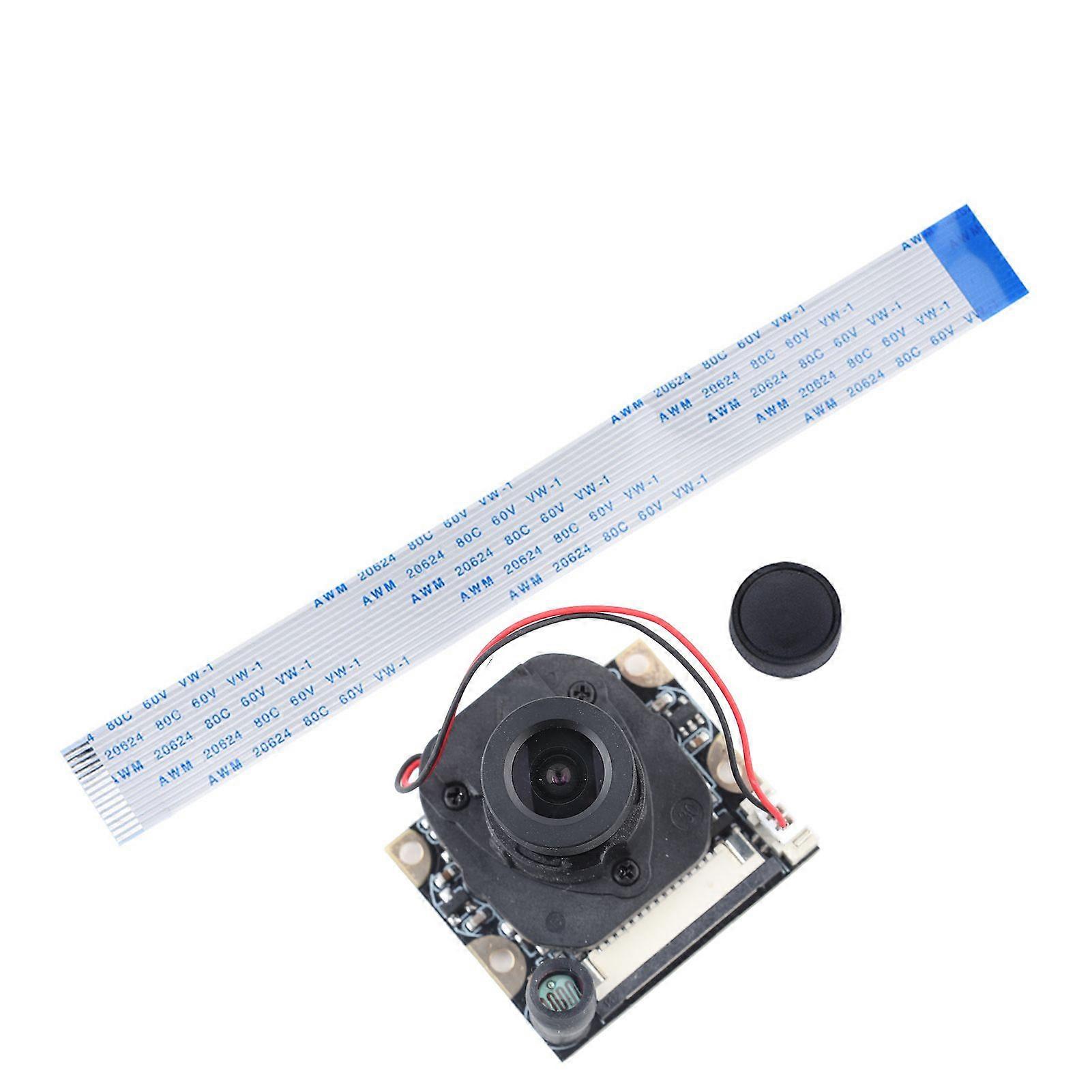
IR cut Focusable Camera Module 5MP Webcam Video 1080p OV5642 Sensor for Raspberry Pi/Pi 2/Pi 3
- Marke: Unbranded
IR cut Focusable Camera Module 5MP Webcam Video 1080p OV5642 Sensor for Raspberry Pi/Pi 2/Pi 3
- Marke: Unbranded
Bespaar 11,00 € (36%)
UVP
14-Tage-Rückgabepolitik
Bespaar 11,00 € (36%)
UVP
14-Tage-Rückgabepolitik
Zahlungsmethoden:
Beschreibung
IR cut Focusable Camera Module 5MP Webcam Video 1080p OV5642 Sensor for Raspberry Pi/Pi 2/Pi 3
- Marke: Unbranded
- Kategorie: Bildsensoren
- Fruugo-ID: 420402167-885811015
- EAN: 7847689637881
Lieferung und Rückgaben
Versand innerhalb von 2 Tagen
-
STANDARD: KOSTENLOS - Lieferung zwischen Mi. 07 Januar 2026–Mi. 14 Januar 2026 - KOSTENLOS
Versand von China.
Wir tun unser Bestes, um dafür zu sorgen, dass die von Ihnen bestellten Produkte vollständig und gemäß Ihrer Spezifikationen an Sie geliefert werden. Wenn Sie allerdings eine unvollständige Bestellung oder Artikel erhalten, die sich von den bestellten unterscheiden, oder es einen anderen Grund gibt, warum Sie mit Ihrer Bestellung nicht zufrieden sind, können Sie die gesamte Bestellung oder einzelne darin enthaltenen Produkte zurücksenden und eine vollständige Rückerstattung für die Artikel erhalten. Vollständige Rückgaberichtlinie ansehen
Details zur Produktkonformität
Bitte beachten Sie die unten aufgeführten Konformitätsinformationen zu diesem Produkt.
Die folgenden Informationen werden vom unabhängigen Drittanbieter bereitgestellt, der dieses Produkt verkauft.
Hersteller:
Es folgen die Kontaktdaten für den Hersteller des jeweiligen Produkts, das auf Fruugo verkauft wird.
- Shenzhen Gujun Technology Co., Ltd.
- Shenzhen Gujun Technology Co., Ltd.
- 1303, 13/F, Tower B, TCL Building, No. 6 Gaoxin Nandao Road, Yuehai Street
- Nanshan District
- Shenzhen
- Guangdong
- CN
- 518067
- idyaiy16984@163.com
- 13038870349
- https://hengruigongju.1688.com/page/index.html?spm=0.0.wp_pc_common_header_companyName_undefined.0
Verantwortliche Person in der EU:
Es folgen die Kontaktinformationen für die verantwortliche Person in der EU. Die verantwortliche Person ist der benannte Wirtschaftsteilnehmer mit Sitz in der EU und verantwortlich für die Compliance-Verpflichtungen in Verbindung mit dem jeweiligen Produkt, das in die Europäische Union verkauft wird.
- None
- Kequ Technology s.r.o.
- Pražákova 1008/69
- Štýřice
- Jihomoravský kraj
- Brno
- CZ
- 63900
- christopher25106@outlook.com
- 420608214795
- https://www.ozon.ru/seller/topstore-600244/products/?miniapp=seller_600244&__rr=1&abt_att=1